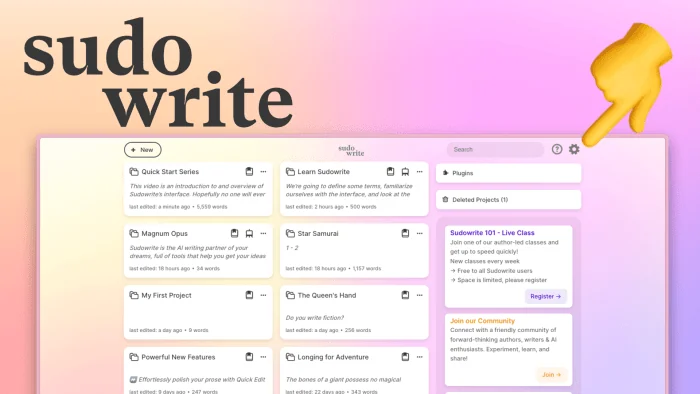
One writing tool keeps brainstorming apart from full drafting
Sudowrite's staged outline tools and Notion AI's blended prompts show two different vendor answers to where assistance starts.
3 min · source-led record↗
The human side of the writing tool
Better questions. Sharper edits. A byline you can stand behind. A practical resource for writing with AI—without handing over the work that matters.
For writers, editors & independent publishers.
Documentation, not magic. Decisions, not shortcuts.
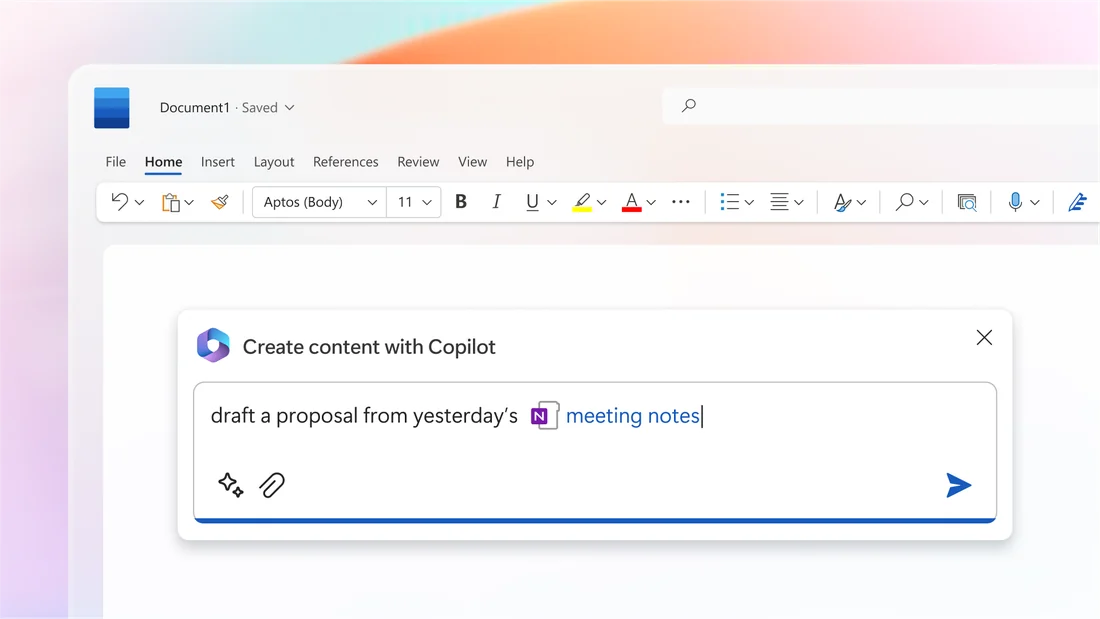
Start with a task
Outline / Keep the human decision
Make the uncertainty explicit before asking for more words.
Write the question, audience and intended effect yourself. Choose the structure that serves those commitments.
Use a tool to propose alternative orders or identify a missing question. Treat each suggestion as a candidate, not a discovery.
Write one sentence explaining why you kept an option. Remove suggestions that merely repeat the premise.
Research / Keep the human decision
A persuasive summary still needs a route back to the original evidence.
Decide which statements need evidence. Open the underlying document and check the exact passage, date and scope.
Use a research tool to locate candidate material or organise notes. Its links are leads until you inspect them.
Keep the claim, source passage and your interpretation separate. Mark an unsupported claim unresolved instead of filling the gap.
Revise / Keep the human decision
A smoother sentence is not automatically a more accurate or better one.
Name the problem: rhythm, ambiguity, repetition or unsupported certainty. Decide which meaning and voice must survive.
Request a bounded alternative, then compare it with the saved original. Ask for an explanation you can evaluate.
Read the edit for changed meaning, emphasis and implication. Accept, revise or reject deliberately; retain a recoverable version.
Publish / Keep the human decision
A client, editor, journal and retailer may ask different questions.
Read the actual recipient’s current terms and agree on permitted assistance, confidentiality and disclosure before delivery.
Use a tool to organise your own process notes, not to determine whether an agreement permits a use.
Recheck the destination policy and unresolved permissions. Describe the actual assistance accurately; do not use this desk as legal clearance.
From the working desk
Sudowrite's staged outline tools and Notion AI's blended prompts show two different vendor answers to where assistance starts.
ProWritingAid's own pages frame its Virtual Beta Reader report as feedback before human readers, not a substitute for one.
Elicit's and Scite's documentation describe sentence-level citation records that a claim ledger practice would draw on.
The interface matters
Actual source visuals alongside the records they help explain. A product screenshot is context—not evidence that we tested it.
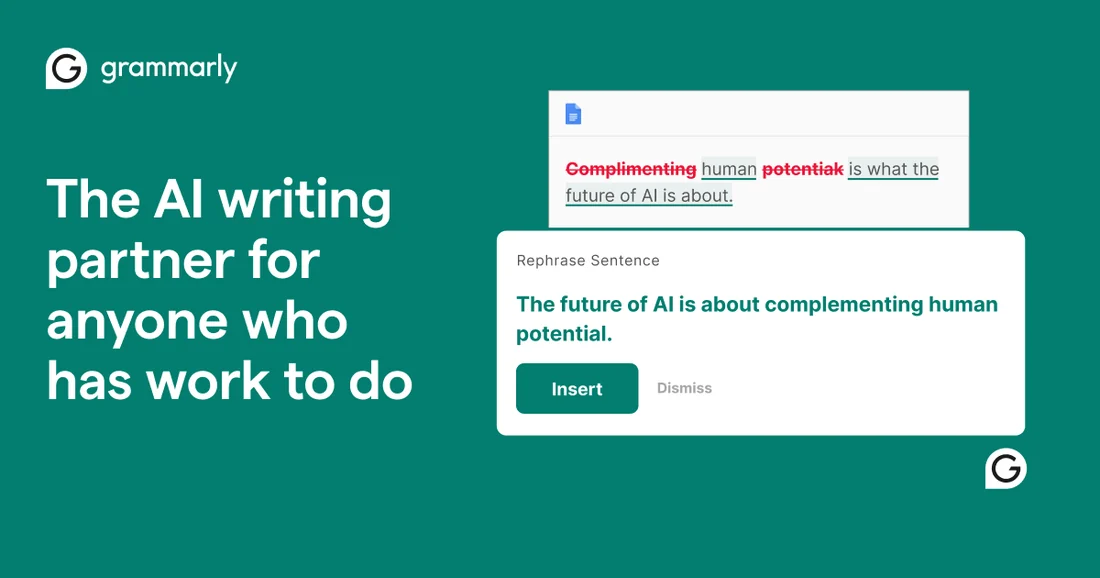
Grammarly's current pricing and support pages state what free, Pro and Enterprise tiers include, as retrieved in September 2026.
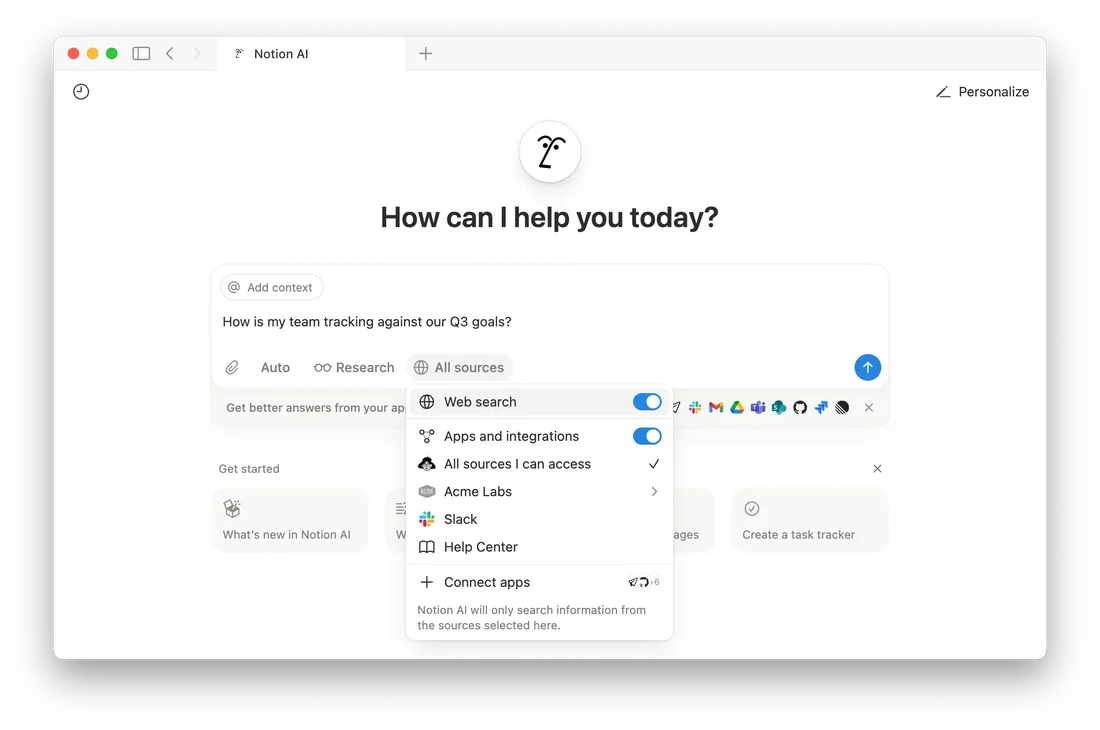
OpenAI and Notion each instruct users to check generated text against sources before treating it as finished.
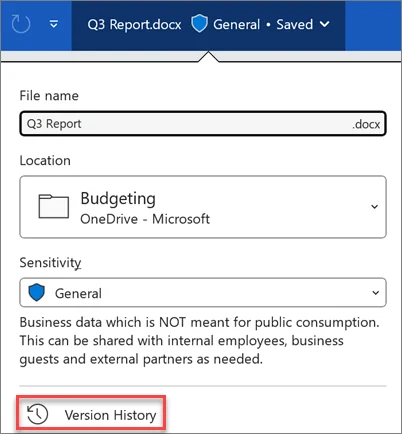
Google's and Microsoft's documentation show version history records timing and access, not whether text was AI-generated.
Follow the question
Get a useful first pass without losing the point of the piece.
02 / 20 recordsRead the documentation, look at the interface and test the handoff.
03 / 10 recordsKeep intention, responsibility and the writer’s contribution visible.
04 / 20 recordsFollow the original policy or decision. Keep its date and jurisdiction attached.
05 / 20 recordsUnderstand the route from manuscript to retailer, reviewer and reader.
06 / 10 recordsSeparate a study’s result from the bigger claim made about it.
A useful boundary
Our starting point is the writer’s task, not the product launch. Follow the sources, keep the uncertainty visible and decide what belongs under your name.
Why Draft & Byline exists ↗